Keep your Mac awake while AI agents, builds and downloads run. macOS menu bar.
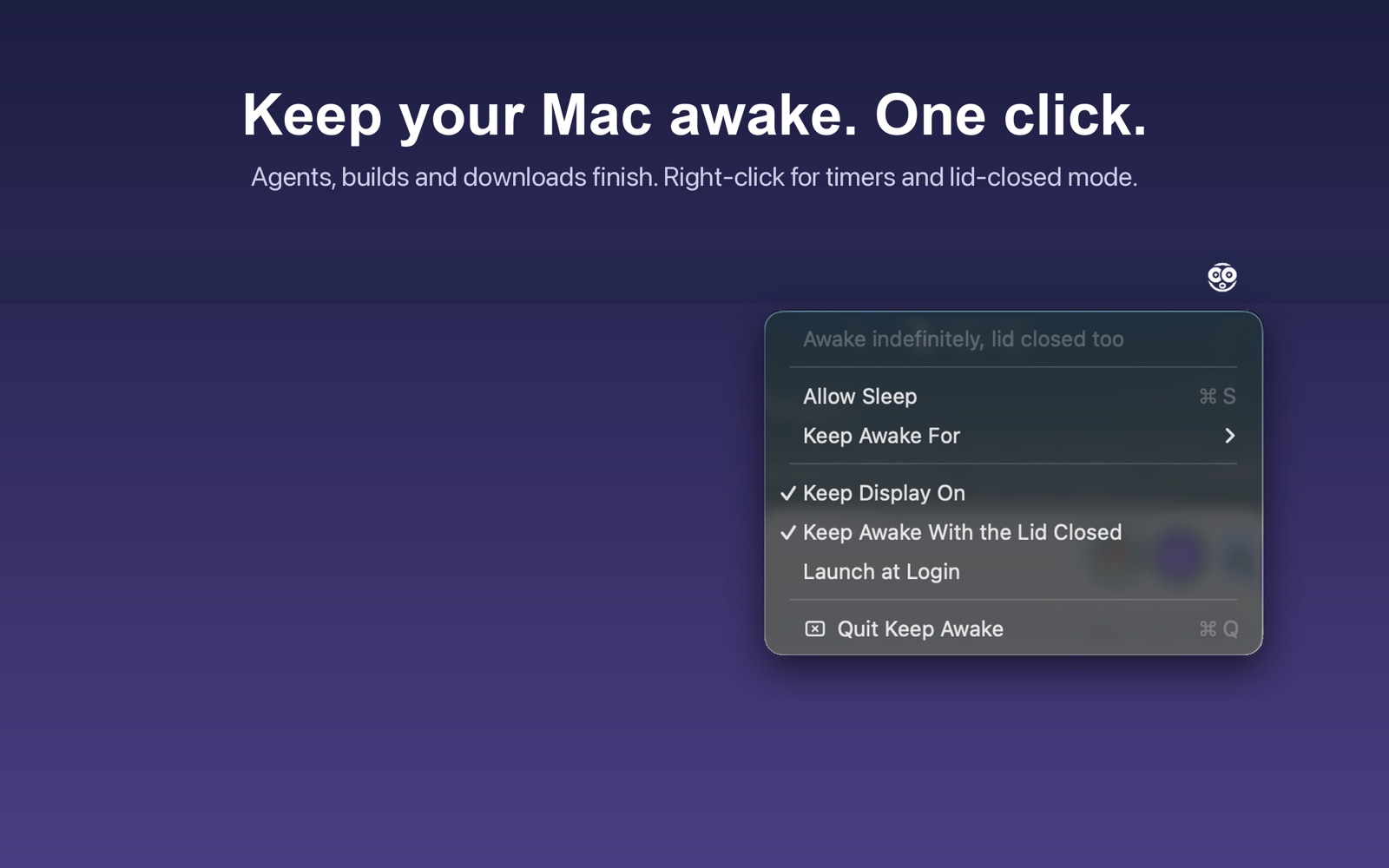
Keep Awake is one switch in your menu bar. Turn it on and your Mac stops going to sleep, so the coding agent, the build, the download or the remote session finishes instead of dying the moment nobody touches the keyboard.
Turn on Keep Awake With the Lid Closed and you can shut the MacBook and carry it to a meeting under your arm while Claude Code, Codex or a long build keeps going. No external display, no dock, nothing to plug in except power. macOS only allows this while the Mac is connected to power; on battery a closed lid still sleeps, and the menu tells you when that applies.
It uses the same power assertions macOS itself uses. Nothing is installed at the system level, and quitting the app or picking Allow Sleep restores normal behaviour immediately.
Something not staying awake when it should? Email serdar.oztetik@gmail.com with your macOS version and whether the Mac was on power.
No accounts and no ads. The only thing the app sends is anonymous usage statistics, with no identifier, to my own server. Full privacy policy.